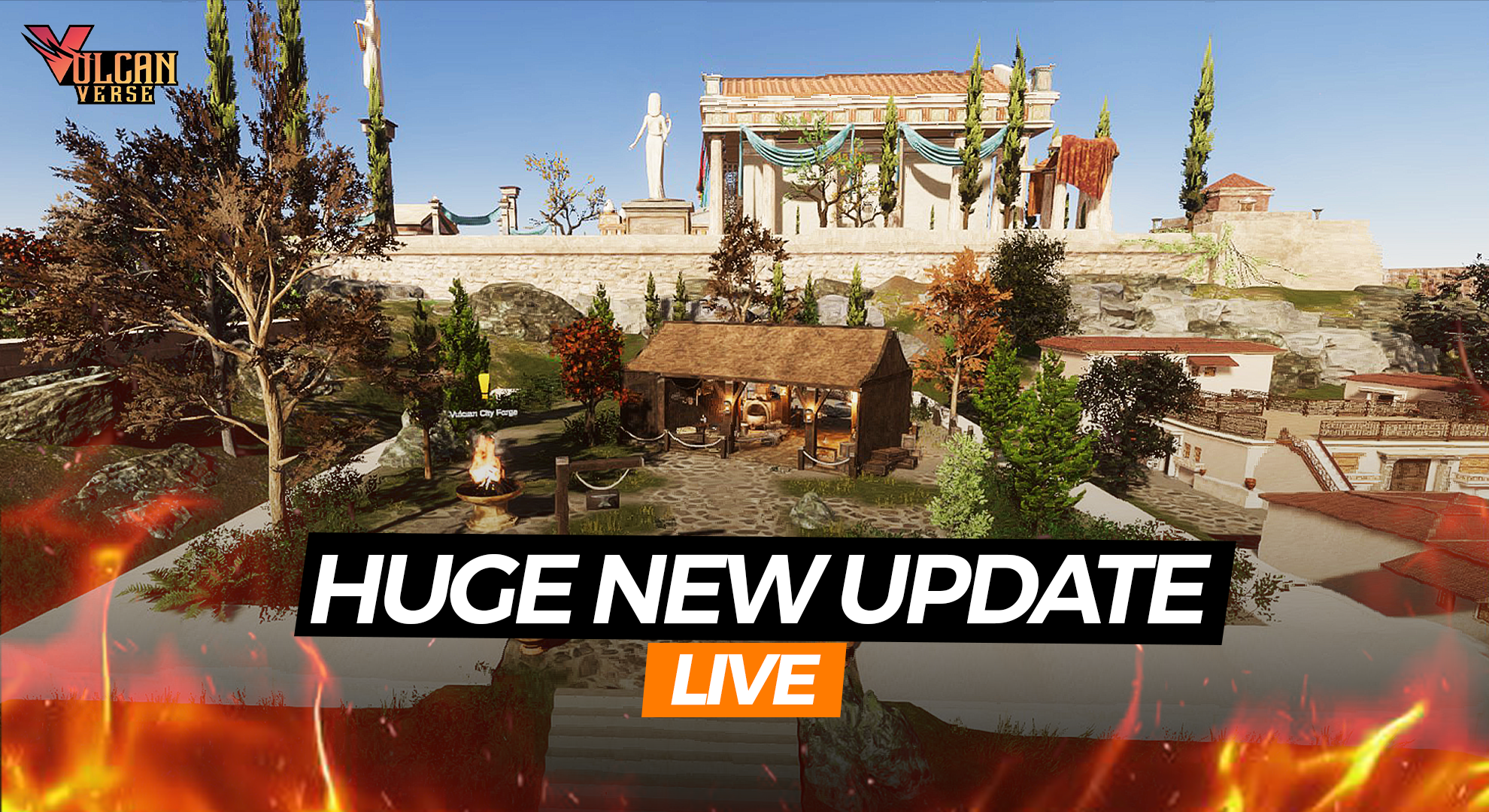
Over the last few weeks we’ve been pushing a steady stream of changes to the test build. That work now comes together in one big update to the live VulcanVerse client – with a focus on Tartarus stability, combat feel, clearer UI and better feedback in almost every corner of the game. This blog is a very functional one, as we have so many updates going into production, we wanted to present them to you in a format that is easy to follow, where you get all the details together. Enjoy!
Below is an overview of what’s changed.
Combat feels cleaner and more responsive
The Avatar Combat System has had a pass on both feel and readability.
- We’ve added new combat SFX so hits, blocks and weapon use feel more grounded.
- A long list of issues with bows, spears and swords has been fixed:
- Bow shots now play correctly, with proper sounds, no stuck arrows and no broken aiming when you jump or spam inputs.
- Melee hits now connect at sensible ranges instead of landing from too far away.
- Dash, block and jump behaviour has been corrected so your character doesn’t get stuck in strange animations or blocked movement.
- Weapons now equip and unequip reliably. No more 0 ATK weapons, invisible damage, or weapons that refuse to slot, vanish, or continue dealing damage after they’re removed.
Potions, food and utility actions also behave more consistently:
- Potion effects now match their descriptions, and stamina-restoring drinks work as stated.
- Eating, drinking, fishing, cooking and alchemy now all trigger the correct animations and sounds, even when your weapon is drawn.
- Using a potion without the required blessing now gives clear feedback instead of confusing messages.
Overall, your avatar and weapons should feel far more predictable in day-to-day play and in the depths of Tartarus.
New UI for health, damage and Vulcanites
We’ve done a visual pass across combat and Vulcanite UI to make fights easier to read at a glance.
- Health bars now use a clear colour scheme:
- Enemies = red
- Allies and friendly vulcanites = green
- Damage numbers are now better colour-coded, especially when dealing or receiving damage with vulcanites.
- Tartarus enemies now display names and health bars, so you always know what you’re fighting.
Vulcanite actions are also clearer:
- The action bar has been updated with progress displays for Vulcanite tasks such as attack, forage, espionage, spy forage and resting.
- You’ll see at a glance which Vulcanites are busy, how long actions have left, and you’ll get the right pop-ups and tutorial prompts during early quests.
Tooltip and icon overhaul
A major part of this release is a complete refresh of tooltips and their behaviour.
We’ve:
- Redesigned tooltip layouts for:
- Simple items
- Gear
- Recipes
- Abilities
- Buffs
- Fixed issues where tooltips vanished, overlapped, were cut off, or appeared in the wrong place.
- Ensured the Hide Tooltip option now behaves correctly.
- Stopped other UI windows from sitting on top of item pop-ups in places like the Avatar Panel and Equipment Upgrade screen.

Visually, you’ll also notice:
- New and updated icons for Tartarus equipment and potions, plus some items on the Tartarus Deeps screen.
- Gear-related items correctly appear in the Gear tab of your inventory.
Together with the new tooltip style, this should make gear, resources and abilities much easier to understand at a glance.

Depths of Tartarus – more solid, more readable, more rewarding
Tartarus has had a huge amount of attention across several test builds, and those changes are now live.
Gameplay and rewards
- Gold revives now work consistently and no longer result in disappearing mobs or broken waves.
- Reward chests now reliably spawn after clearing zones, and chest rarity is displayed correctly.
- The daily Tartarus quest is once again accepting properly from its NPC.
- Zone information, mode names and zone numbers now display correctly as you progress deeper.
Mode changes
- The old “Sword & Spear Only” mode has been renamed to Close Quarters, and now allows axes as well as swords and spears.
- No Buffs mode has been tightened up:
- Foods and potions are blocked.
- Buffs that affect the avatar (movement speed, stamina, etc.) are suppressed while you’re in this mode.
Environment and visual fixes
A long list of collision and visual bugs has been addressed:
- Rocks, bridges, mountains and lava in Tartarus now have proper collision where they should – and no invisible walls where they shouldn’t.
- Floating or misplaced lava, fire and rock textures have been corrected.
- Fire and other area hazards now damage the player only when they should, not from a distance.
- Various missing textures (including geysers and rock faces) have been restored.
- The Tartarus info panel has had a readability pass so text stands out better against the background.
The result should be a far more reliable Tartarus run from zone 1 onwards.
Forge, equipment and upgrades
Vulcan City Forge and the equipment upgrade system have also had a stability and clarity pass.
Key changes include:
- Equipment grade stars and upgrade grades now display correctly both in the Avatar Panel and the upgrade UI.
- Upgrade animations now only play when an upgrade actually happens, and stars no longer freeze when switching tabs.
- You can now drag resources anywhere inside the upgrade container instead of hunting for a small hitbox.
- Essence caps, inactive slot visuals and glow effects on Forge slots have been corrected so it’s clearer what can be used and where.
- Rarity colours and sorting for weapons and fragments now match their intended rarity.
Overall, upgrading gear should be smoother, clearer, and much harder to break.
Quests, tutorials and quality of life
A number of early quests and tutorial flows have been fixed so new (and returning) players get a smoother ride:
- “Choose your Vulcanite” now correctly spawns Vulcanites without needing to restart the game.
- The Finding and Gathering Resources and Fighting Training quest lines now show their tutorial pop-ups correctly, including forage, spy forage, espionage and Vulcanite menu hints.
- Extra or misleading arrows in some quest steps have been removed.
- Tooltips and pop-ups linked to god/titan abilities no longer break other UI elements.
General QoL:
- Scroll sensitivity in UI windows has been tuned.
- Building mode icons now display correctly, and we support a Weapon Attack / Switch ability while in building mode.
- Shift to run/sprint and weapon dashing have been restored.
- The issue with avatars breaking visually when seated and zoomed in has been fixed.
Minimap and Notifications
The minimap has also had a tidy-up:
- The Report a Bug button has been moved into the notification panel, away from the minimap frame.
- Plot reset time has also moved into the notification panel, freeing up the minimap space.
- Tartarus Deeps icons and several small minimap elements have been refreshed.
This keeps the minimap itself cleaner while keeping key information only a glance away.

Jump back in
This production update rolls several weeks of test build progress into one package, with a strong emphasis on combat feel, Tartarus stability and making the UI more readable everywhere.
Jump back into Tartarus, put the new combat and modes through their paces, and – if you spot anything odd – use the updated bug report tools to let us know. Your feedback from testing has been invaluable in getting us to this point, and it will keep steering the next rounds of improvements.
Remember, we’re always ready and waiting for you in the appropriate channels on Discord – come see us! https://discord.gg/vulcan-forged